
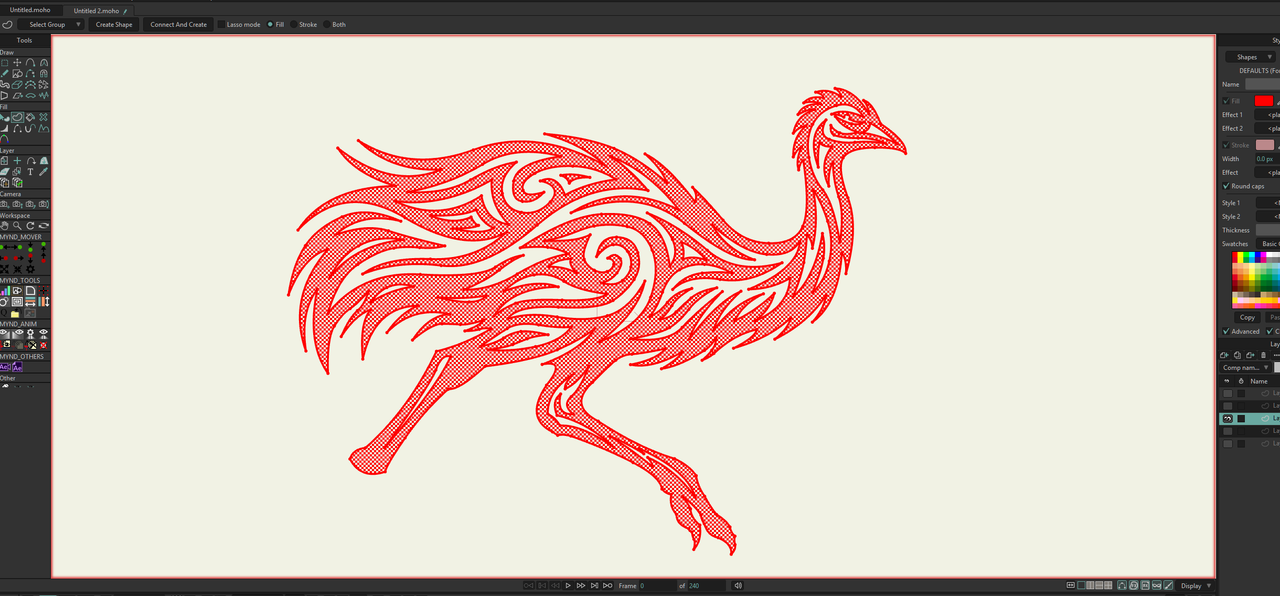
So... I cannot Create the whole shape in one go either, but you can get there with a little help from Liquid Shapes.
1. Point Select the outer Curve and create a filled shape (
lets call it outer)
2. Point Select the outer Curve again, then Edit > Select Inverse (
to select all the other Points), and create another filled shape (
lets call it inner)
3. with that new inner Shape still selected, use the Shape Select tool, and then Liquid Shapes: Subtract
...
4. You can optionally consolidate the new Shapes into 1 by shape selecting the composite shape and using the Merge button
